Retro Look
The look is the visual half of RetroRender — pixelation, color reduction, dithering, vertex wobble and CRT scanlines. It is entirely material-based (no runtime C++) and driven by a Material Parameter Collection, so a single preset can steer the whole style.
Drag the handle to compare the same frame with the look off and on:
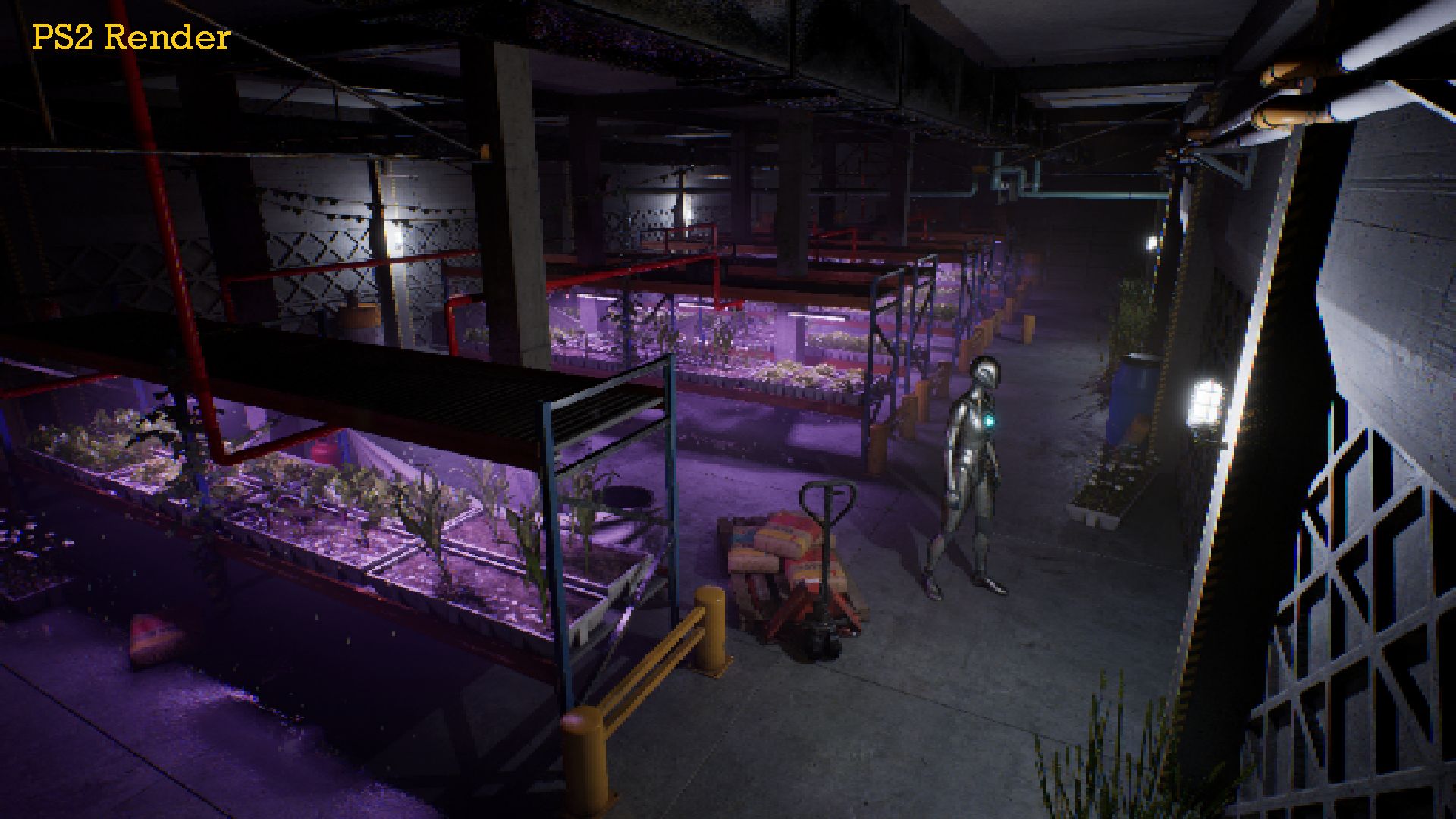 Look on
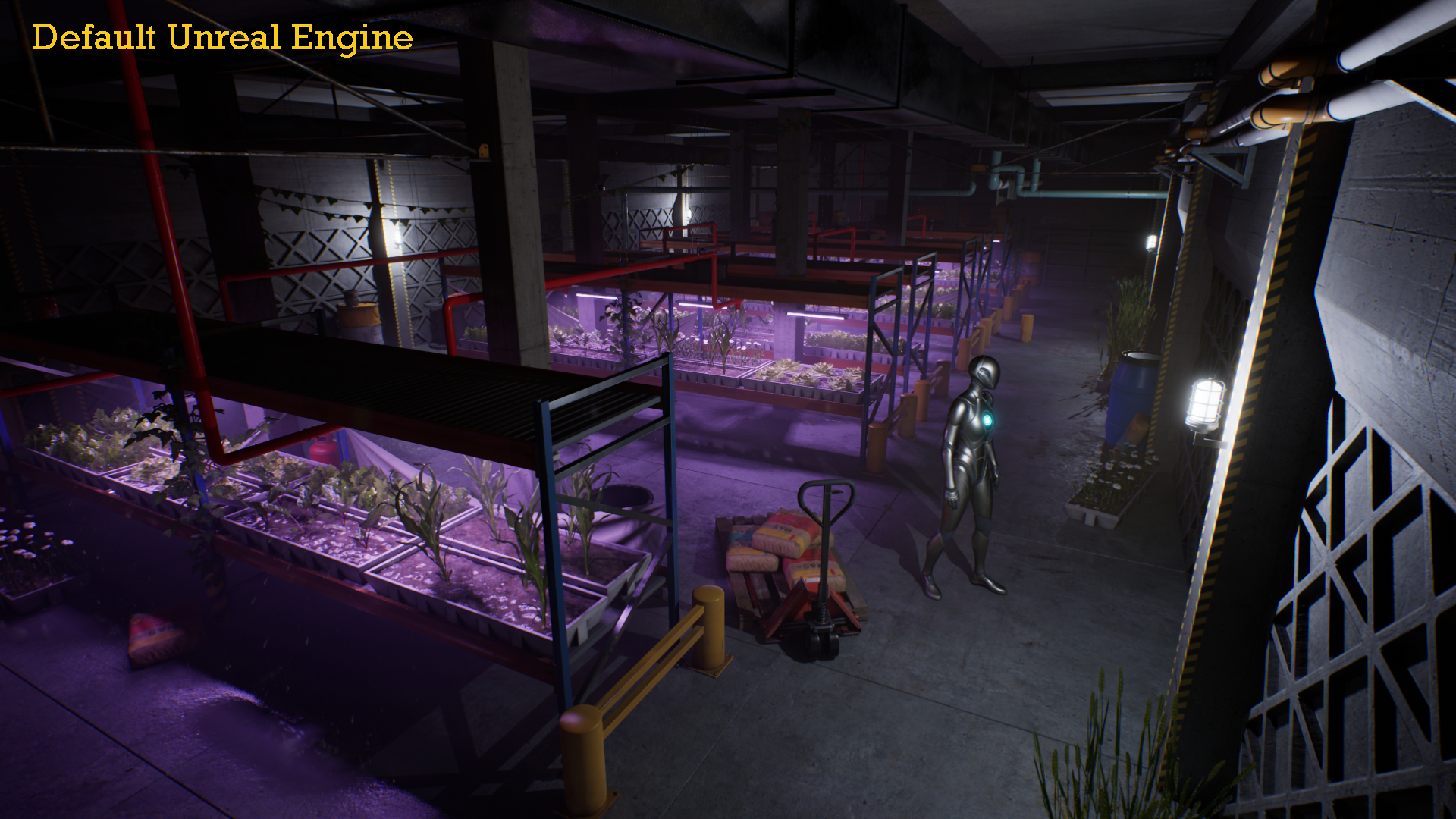 Look off
Components
All content lives under /RetroRender/Materials.
| Asset | Type | Role |
|---|---|---|
MPC_Retro | Material Parameter Collection | Central control values (snap, colors, dither, resolution, scanlines). |
MF_Pixelate | Material Function | Quantizes UVs to a low resolution grid. |
MF_ColorReduction | Material Function | Posterizes each channel to a set number of levels. |
MF_Dither | Material Function | Procedural ordered dithering in screen space (no texture asset needed). |
MF_AffineUV | Material Function | Approximate affine-UV pass. |
MF_VertexSnap | Material Function | PS1 vertex "wobble" via World Position Offset. |
PP_Retro | Post-process material | Full-screen chain: Pixelate → Color Reduction → Dither → Scanlines. |
The post-process: PP_Retro
PP_Retro is where the screen-space look happens. Add it to a Post Process Volume → Post Process Materials (see Getting Started). Its chain:
- Pixelate — the scene UVs are quantized to
PixelateResolution, sampling the scene at low resolution. - Color Reduction — each channel is posterized to
ColorLevels. - Dither — an ordered screen-space pattern is added, scaled by
DitherStrength. - Scanlines — every other screen row is darkened, weighted by
Scanlines(used by the CRT preset).
Parameters (MPC_Retro)
The Look Preset or Apply Look Preset writes these into MPC_Retro:
| Parameter | Type | Meaning |
|---|---|---|
SnapResolution | Vector (xy) | Vertex-snap grid resolution. Lower = coarser wobble. |
SnapStrength | Scalar | Vertex-snap intensity (0 = off). |
AffineAmount | Scalar | Affine-UV amount. |
ColorLevels | Vector (rgb) | Posterization levels per channel. |
DitherStrength | Scalar | Ordered-dither intensity. |
PixelateResolution | Vector (xy) | Post-process pixelation target resolution. |
Scanlines | Scalar | CRT scanline weight (0 = off). |
A note on affine texture mapping
The PS1 "texture swim" comes from affine (non-perspective-correct) UV interpolation. Modern GPUs interpolate perspective-correctly, and Unreal does not expose a per-pixel noperspective interpolator, so the material-side MF_AffineUV is an approximation. Combine it with the Decimate Baker — larger, low-poly triangles produce the characteristic swim more authentically than a dense mesh.
Because the whole look reads MPC_Retro, you rarely edit materials directly. Pick a preset, press Apply Look Preset, and every material updates at once.