Decimate Baker
The Decimate Baker produces low-poly copies of your meshes — the chunky PS1/N64 silhouette. It runs the engine's mesh-reduction backend offline and writes new StaticMesh assets, so there is zero runtime cost and the result is deterministic on every platform.
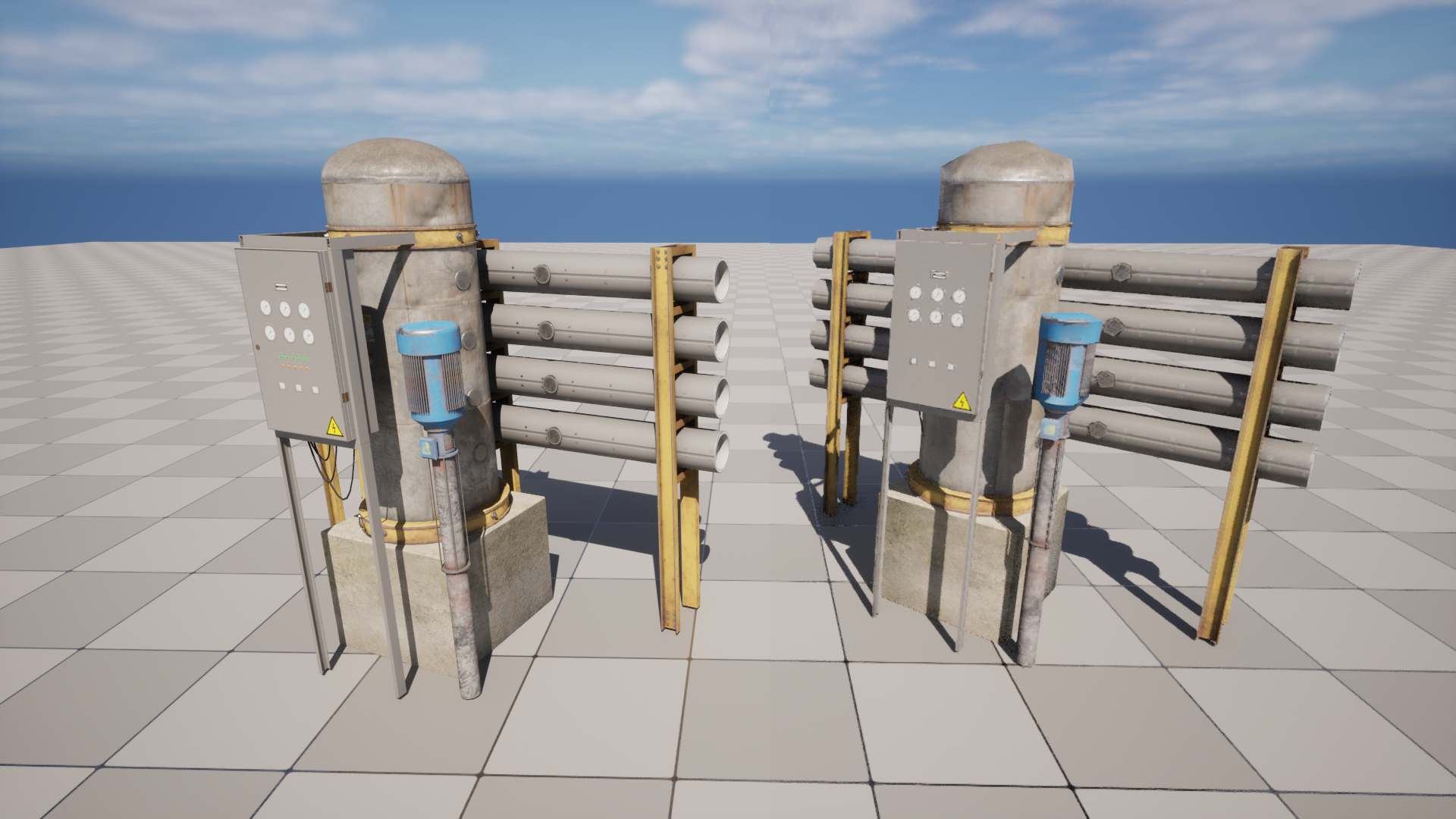
Why decimate?
Retro consoles couldn't push many triangles. A modern asset with tens of thousands of triangles reads as "too clean". Reducing it to a few hundred triangles gives the angular, faceted silhouette of the era, while keeping the original materials and UVs.
The baked mesh has the same overall shape as the source — only the triangle count drops.
Baking
- Select one or more Static Meshes in the Content Browser.
- Open Tools → RetroRender → Bake tab.
- Pick a reduction mode and target (below).
- Click Bake Selected Meshes.
Results are written to the Output Folder (default /Game/RetroBaked) with the Name Suffix (default _Retro). The original materials are reused verbatim — nothing is duplicated on the texture side.
The Output Log reports each bake:
LogRetroRender: Baked 'SM_Ballerina' -> '/Game/RetroBaked/SM_Ballerina_Retro' (3174 -> 476 tris).
Reduction modes
| Mode | Setting | Behavior |
|---|---|---|
| Percent of triangles | PercentTriangles (0.01–1.0) | Keep a fraction of the original triangles. 0.15 keeps 15%. Adapts to each mesh. |
| Target triangle count | TargetTriangleCount (≥ 12) | Aim for a fixed triangle budget regardless of the source. More "PS1" — every asset lands on a similar budget. |
Use Percent for a batch of mixed meshes where relative detail should be preserved. Use Target triangle count when you want a consistent poly budget across every prop (e.g. "no prop above 800 triangles").
Quality options
| Setting | Effect |
|---|---|
| Recalculate Normals | Recompute normals after reduction instead of keeping the reducer's interpolated ones. Useful for a flatter, faceted shading. |
| Hard Angle Threshold | Edge angle (degrees) above which a hard normal split is created when recalculating normals. |
Output options
| Setting | Effect |
|---|---|
| Output Folder | Destination package path for baked assets. |
| Name Suffix | Appended to the source name (_Retro). |
| Disable Nanite | Turns Nanite off on the baked mesh — the retro look wants the classic rasterizer. |
| Overwrite Existing | Re-bake over an existing asset instead of skipping it. |
Landscapes
The baker can convert a Landscape into a low-poly static mesh — the workflow competitors usually leave to manual export.
- Select a Landscape actor in the level.
- Set Landscape Mode to Convert And Bake and pick a Landscape Export LOD.
- Click Bake Selected Landscapes.
The landscape is exported to a mesh, reduced, and saved like any other bake.
A very large landscape exports to a very dense mesh. Raise Landscape Export LOD first if the export is heavier than you need before reduction.
Batch & scripting
- Bake Selected Meshes / Bake Selected Landscapes operate on the current selection.
- Everything is also available from the Blueprint / Python API via
URetroRenderLibrary.
Requirements
The baker uses the engine's static-mesh reduction interface, provided by the QuadricMeshReduction plugin (enabled by default). If it is missing, baking logs a clear warning and does nothing — enable it under Edit → Plugins.