Installation
Requirements
- Unreal Engine 5.x
Steps
1. Enable the plugin
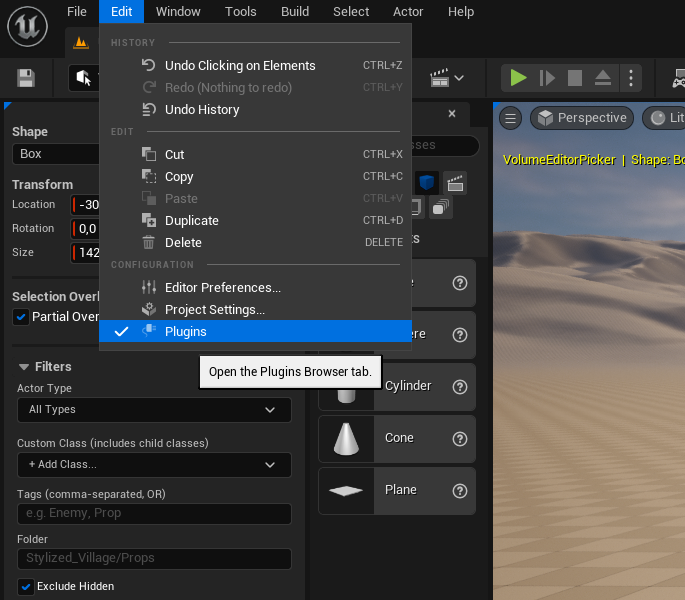
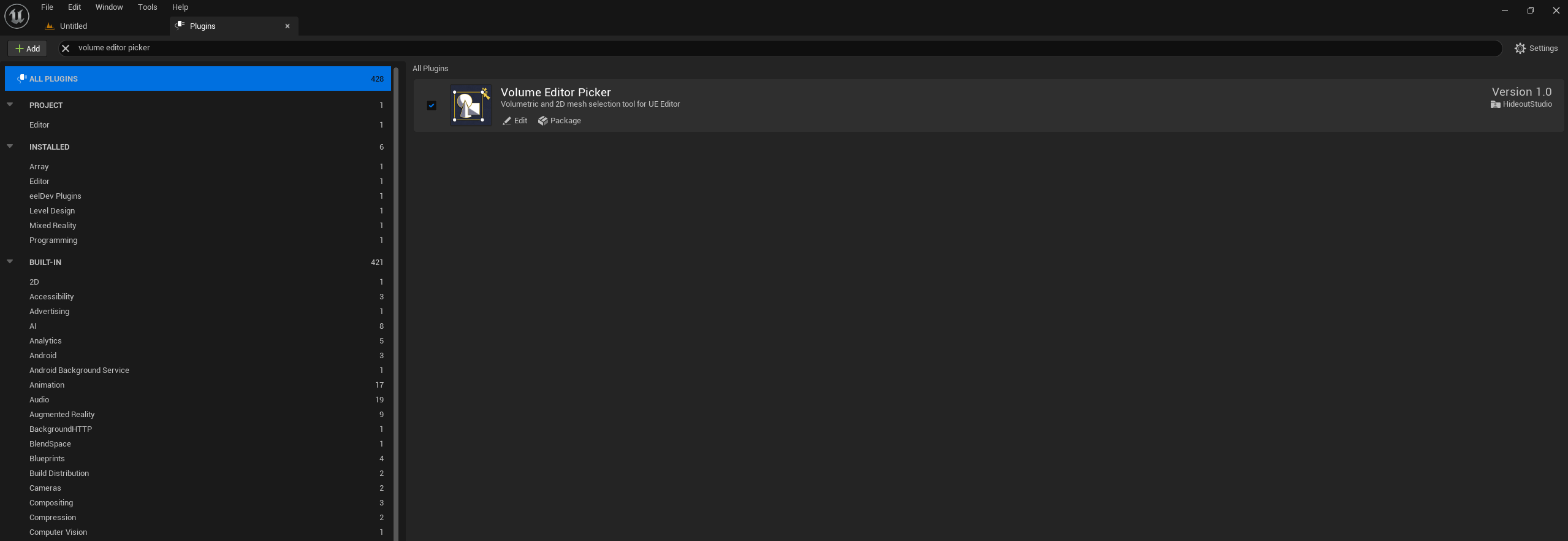
Go to Edit → Plugins, search for Volume Editor Picker, and make sure it is enabled.
2. Restart the editor
Restart Unreal Engine if required after enabling the plugin.
Verify the installation
Once installed, a "Vol. Pick" button should appear in the Level Editor toolbar (Mode toolbar area).
Click it to activate the plugin. A control panel will appear on the right side of the editor.
tip
If the toolbar button is missing, go to Edit → Plugins and confirm the plugin is enabled, then restart the editor.