Box Volume
The Box shape uses an Oriented Bounding Box (OBB) — a box that supports full 3D rotation. This makes it ideal for selecting actors aligned to a specific angle (e.g., rooms on a diagonal).
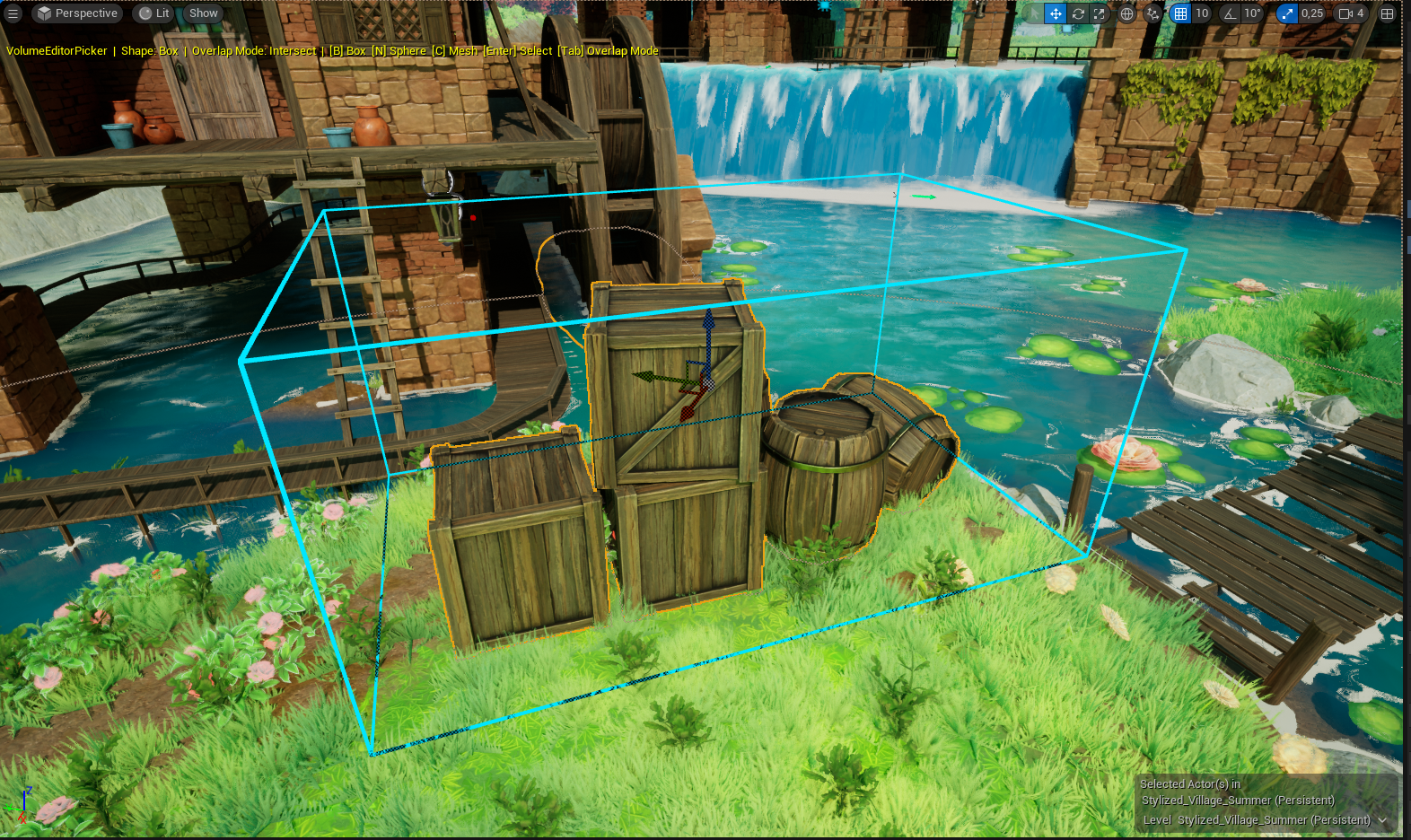
Activate
Press B or select Box in the Shape dropdown.
Transform controls
| Control | Description |
|---|---|
| Location X/Y/Z | Center position of the box |
| Rotation Pitch/Yaw/Roll | Orientation in degrees |
| Extent X/Y/Z | Half-dimensions along each axis (minimum: 1 cm) |
You can edit these values directly in the control panel, or use the viewport transform gizmo.
tip
Use the Scale handle on the gizmo to resize the box per axis. Grid snapping from your viewport settings is respected.
Selection behavior
The box tests against each actor's bounding box:
- In Intersect mode: selects if the actor's bounds overlap the box volume at all
- In Contain mode: selects only if the actor's bounds are fully inside the box volume